Some Tips of Using Echo

A few days ago I introduced the basics of Echo, and today I want to share a few tips that make it even easier to use.
Tip 1: Add a sentence with a keyboard shortcut

Shift + + to quickly add the next one.
Tip 2: Customize the shortcuts

Tip 3: Fill in the source quickly

↓ key to bring up the last five entries you typed. When you’re adding quote after quote from the same book, you don’t have to retype the same information over and over.
Tip 4: Create folders

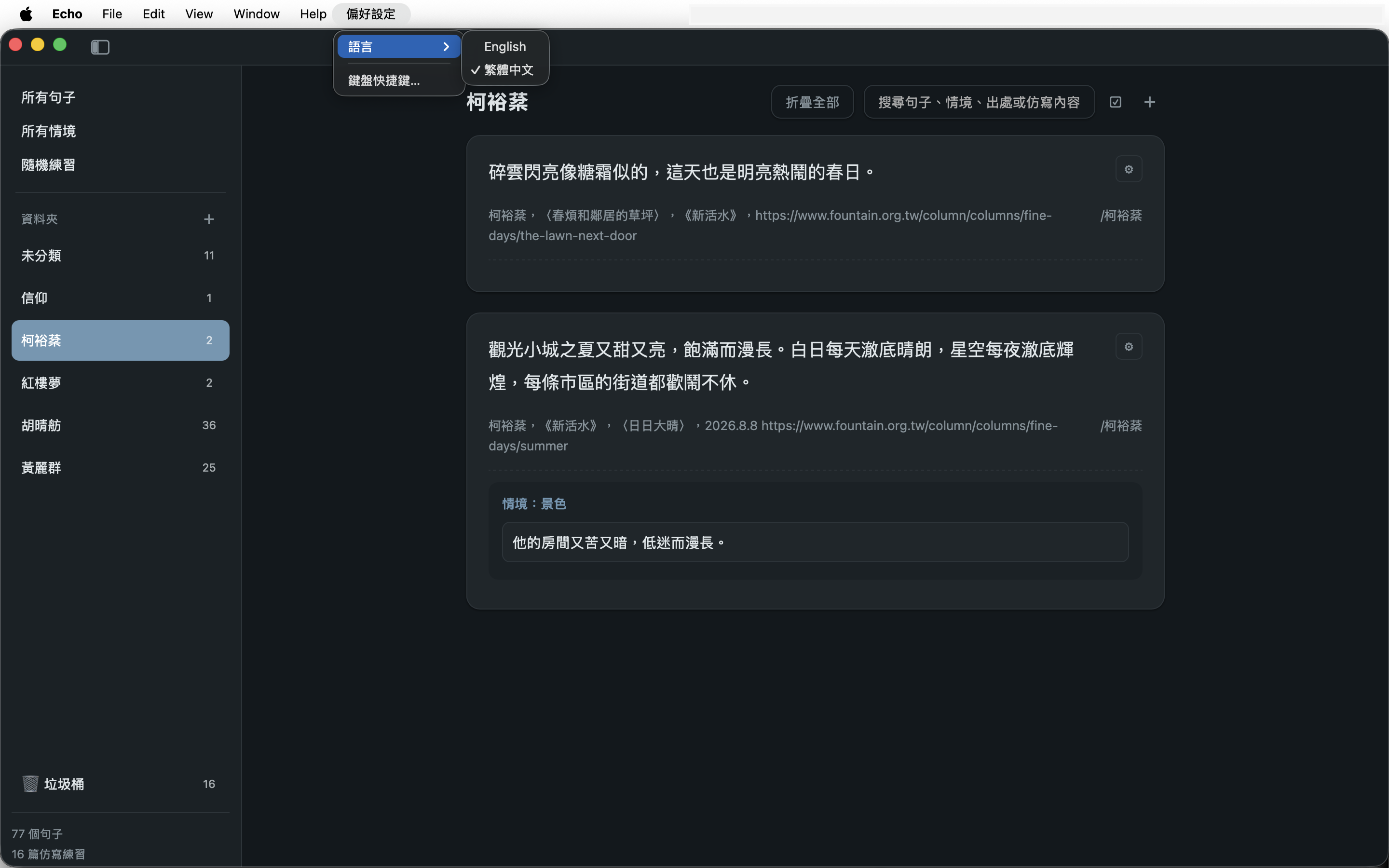
On top of that, readers have probably noticed that Echo has a dark interface! Just head to “Appearance” to switch it; you can also change the language under “Preferences.”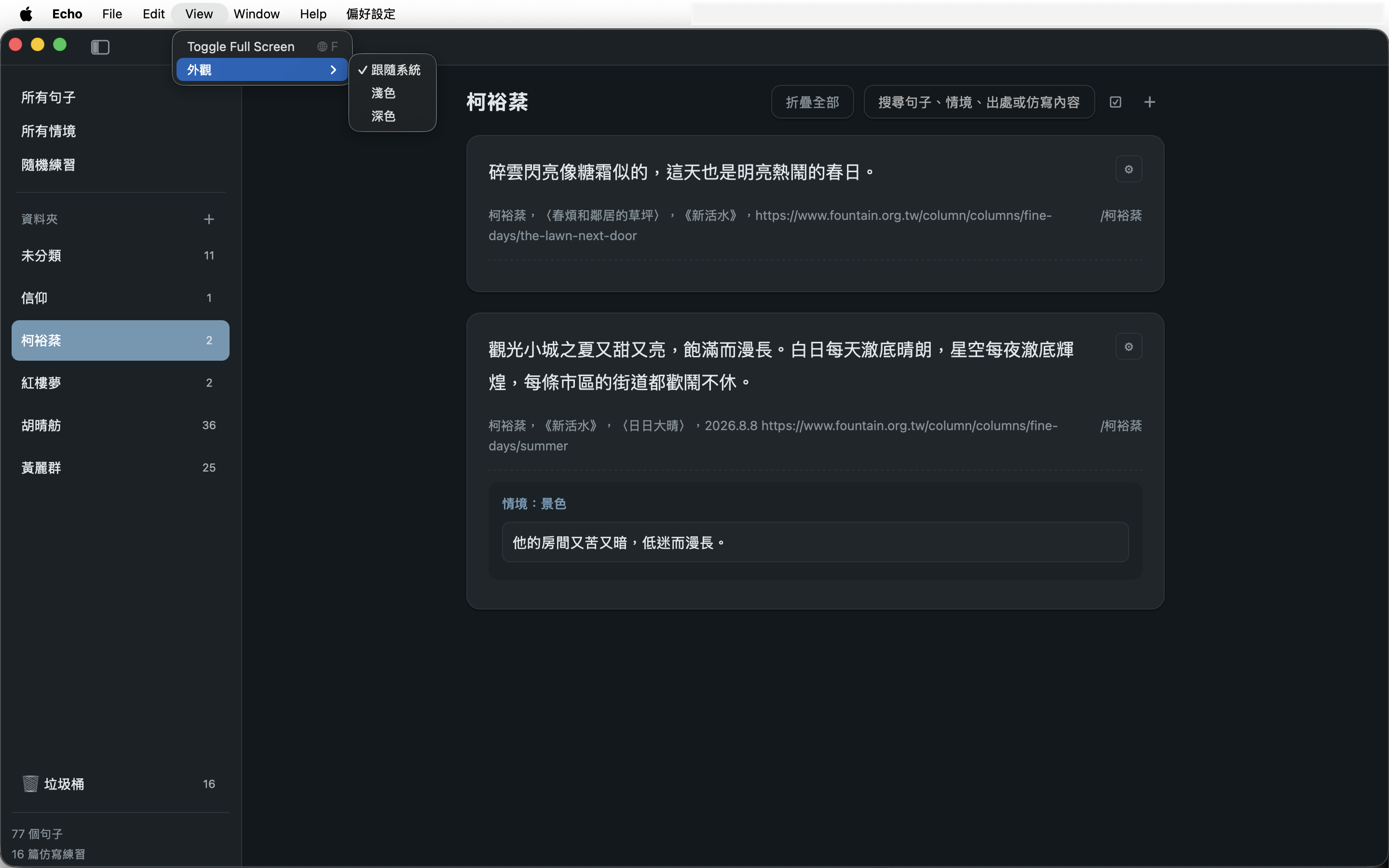
Download link
NB: This article was first published in Chinese on 09/07/2026. It was later translated with assistance from AI tools, edited by me, and published in English on 09/09/2026.